How members securely access their accounts
Every sign-in to the portal or the app passes through layered checks. This page explains those checks and walks through two-factor authentication (2FA) enrollment step by step.
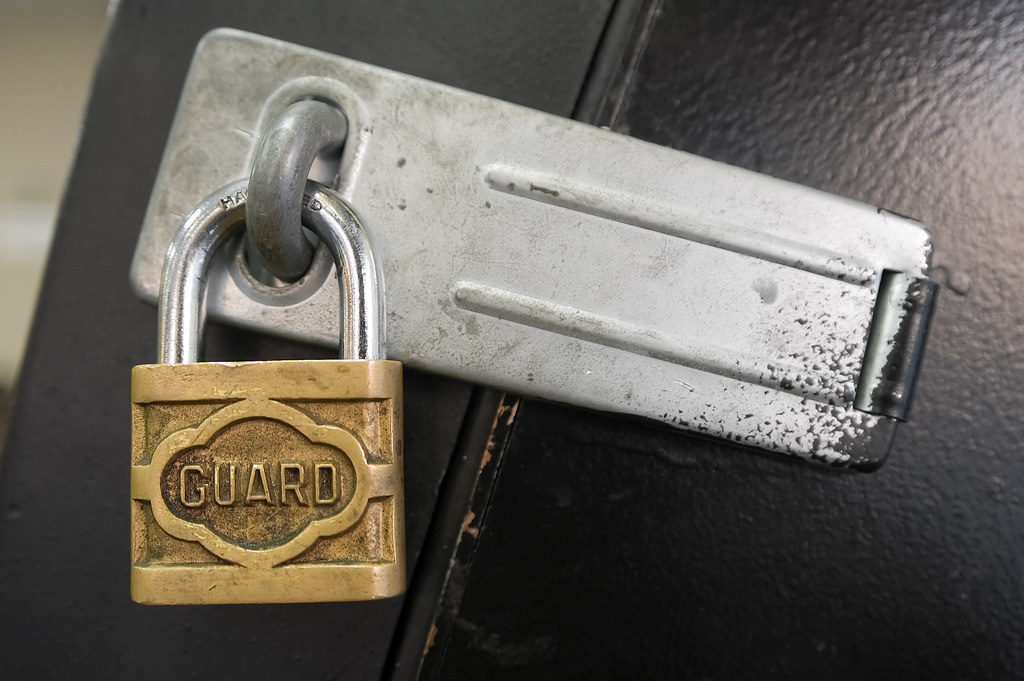
What protects a member session
Connections between the member's device and the credit union are encrypted end to end, and the servers present extended validation certificates so browsers can confirm the destination. Behind the scenes, device fingerprinting and behavior analysis flag unusual sign-in attempts for additional verification.
Passwords form the first factor. The second factor, configured during 2FA enrollment, is something the member possesses: a registered phone number, an authenticator application or a hardware security key.
Setting up two-factor authentication
- Sign in to the portal and open the security settings panel.
- Choose a delivery method: text message, automated call, authenticator app or hardware key.
- Enter the one-time code that appears on the chosen device to confirm ownership.
- Store the provided backup codes in a safe place for recovery situations.
- Mark trusted personal devices so they are remembered for a limited period.
Once enrolled, every new browser or device prompts for the one-time code. Codes rotate every thirty seconds in authenticator apps, which makes intercepted passwords useless on their own.
Alerts and account monitoring
Members can subscribe to security alerts for password changes, new device registrations and transactions above a chosen amount. Monitoring systems also compare each session against the member's typical pattern, such as usual locations and devices, and can require re-verification when the pattern changes sharply.
Safe habits that complete the picture
Technology works best alongside simple habits: typing the portal address directly instead of following links in messages, keeping the mobile app updated, and never sharing one-time codes. The credit union will never call to ask for a code, a point repeated throughout its educational materials. Combined with the card controls described in the online banking guide, these layers keep accounts protected around the clock.